Opera Mini
Opera Mini is a lightweight and fast web browser for Android devices with data-saving capabilities that save a lot of data.

Safe & Secure
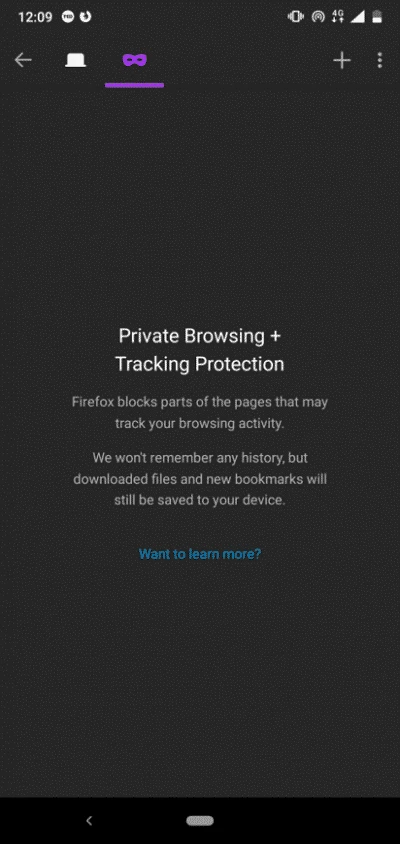
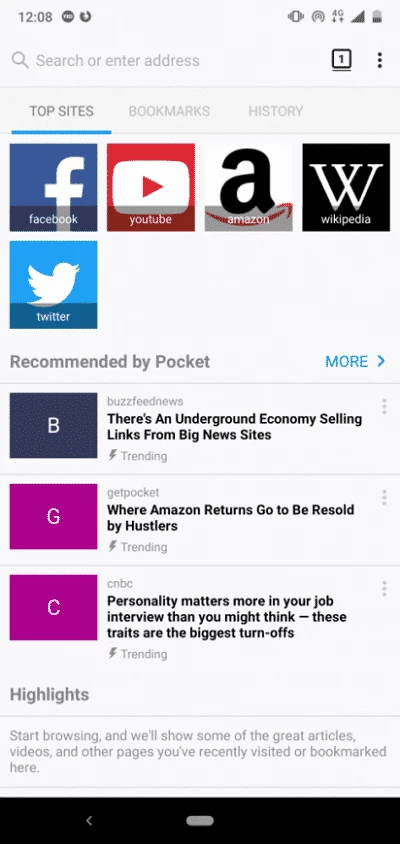

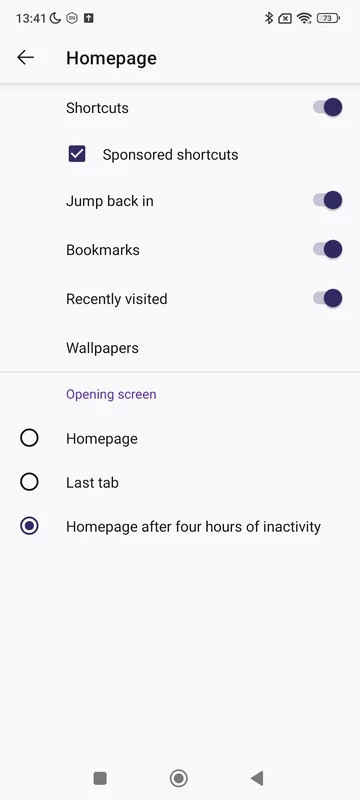
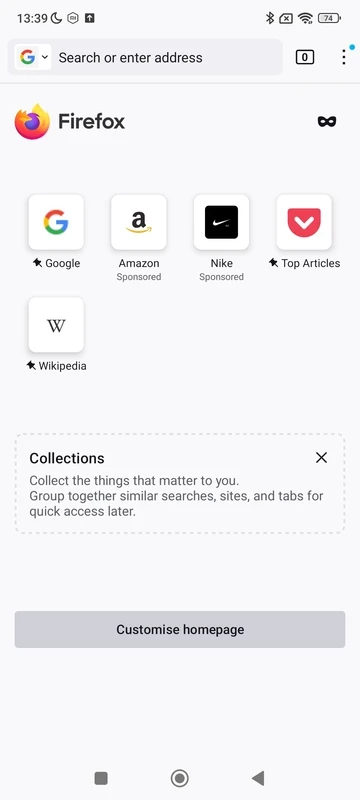
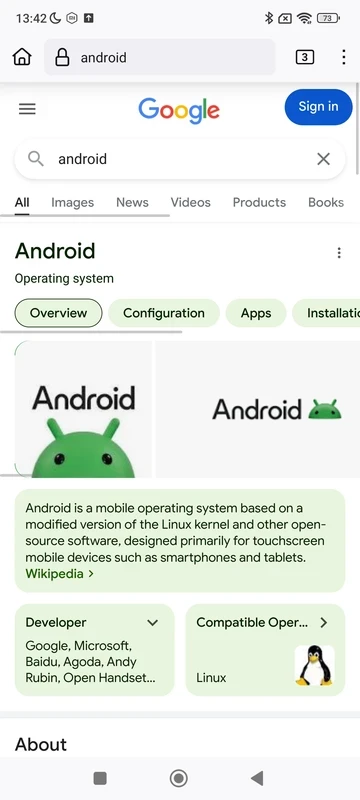
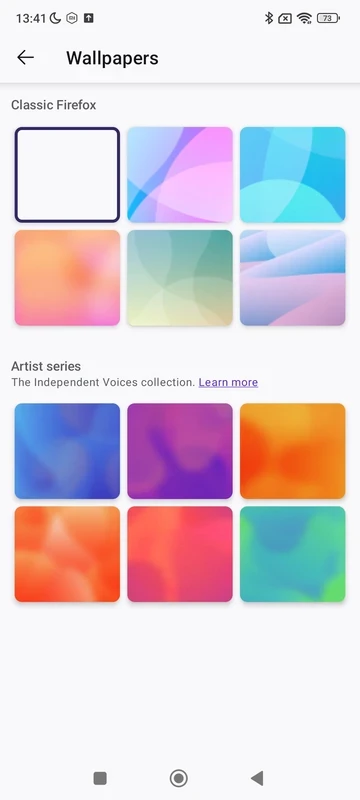

Mozilla Firefox is a simple yet powerful web browser that is pre-installed on most mobile phones. It is a lightweight and speedy utility that allows users to surf online more reliably. It offers fool-proof privacy, cool customizations, and a built-in search engine as well.
Mozilla Firefox for Android offers a lot of unique features, including add-ons, bookmarks, ad-free browsing, and so on. You can also share your browsing history, open tabs, passwords, and bookmarks within the open-source utility. It is a cross-platform that offers seamless synchronization between multiple devices.
Mozilla Firefox for Android was developed by Mozilla. It was released for Maemo with codenamed “Fennec” in 2011. It was later discontinued, and in 2020, it was redesigned with codenamed “Fenix” and also branded as “Firefox Daylight”. It proves to be the best competitor for multiple popular mainstream browser including Google Chrome, Microsoft Edge, etc.
It is a free and open-source utility to offer enhanced flexibility of awesome features without compromising on performance. The availability of extensive customization options, improved privacy settings, a huge collection of themes, and innovative extensions are the main functionalities that offer a robust browsing experience.
The app, with a streamlined design, offers enhanced speed and security, and its lightweight capacity is the main reason for smooth performance. You will enjoy a distraction-free browsing experience within the Quantum engine, which prevents unwanted advertisements. It also offers an intuitive tab management system for boosting your performance. You are capable of starting from where you left off, and the open apps are grouped within recent bookmarks. It also offers awesome recommendations about top sites and popular articles for your ease in getting information.
Online, we have to manage our online privacy, because on the internet, we have to face a lot of malicious content, and unauthorized access to our devices while tracking our personal information. So, Firefox offers multiple features such as Enhanced Tracking Protection, DNS-over-HTTPS, and Facebook Container. So, it is capable of preventing tracking and scripting, including social media trackers, cross-site cookies trackers, and fingerprints. In addition, you can enable private browsing mode for private navigation, and after closing the mode, the entire browsing history and cookies will automatically be removed.
The web browser is reliably compatible with various types of devices, including Android, Windows, Mac, etc. You can easily sync your browsing history, bookmarks, passwords, and even open tabs across multiple devices. It saves your time and energy as well.
You are also capable of adding various types of extensions to enhance the performance and productivity of your device, such as ad blocking, reading text aloud, playing YouTube videos, and so on. Firefox enables you to use the toolbar to install Android extensions, and also get add-ons from the official website of Mozilla within a few seconds.
Customization is one of the key features that helps you to manage your browser according to your preferences. After launching the app, you are capable of adding bookmarks and also accessing the websites you desire. You also customize themes, extensions, layout adjustments, and so on, regardless of whether you are using it for personal or professional use. It offers flexibility that enables you to tailor the interface according to preferences.
With the availability of multiple smart features, you are capable of deciding how to share content online while maintaining your privacy and security. The built-in search bar with real-time suggestions enables you to quickly access your required content. As you type a keyword in the search field, you will find multiple related suggestions as well as all recent searches to move quickly.
Probably, most of the users prefer Google as the default search engine, but if you want another alternative, DuckDuckGo is the best solution. On Chrome, this facility isn’t available, but Firefox enables the user to add it. Simply long-tap the search field option of any website’s search function, it will open up a menu with a magnifying glass with a + sign, click the + button, and add the site to your favorites. DuckDuckGo is already available in the list, so you do not need to add it manually.
Pros
Cons

Opera Mini is a lightweight and fast web browser for Android devices with data-saving capabilities that save a lot of data.

Microsoft Edge, an AI-powered browser with strong privacy, extensions, and built-in functionality

Kiwi Browser APK is a free, and lightweight Browser based on Chromium and WebKit
Chrome Browser, which supports modern touch screens for fast and secure browsing

UC Browser offers fast and streamlined browsing with strong data-saving capability

Adobe Flash Player views flash-based content, auto-updates, but insecure environment